
Questions to ask an Airbnb host before booking
For a furnished Airbnb or Booking.com stay of two to eight weeks, ask the host about six things before you book: Wi-Fi speed, the workspace, daylight, call privacy, weekday noise, and a plan for internet outages.
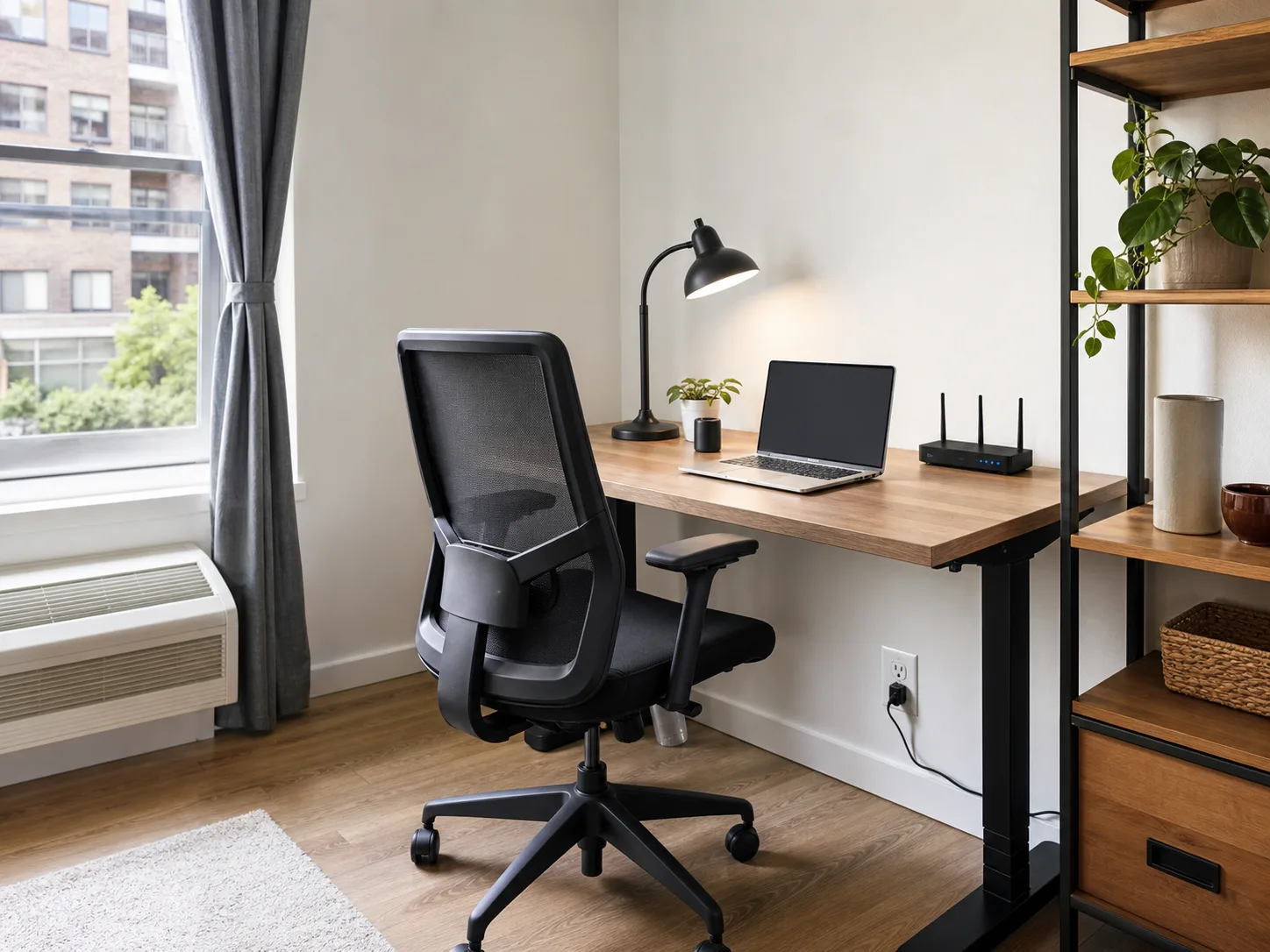
Six questions to ask an Airbnb host before booking
Start with the questions that could change your booking decision. Use the notes below to tell whether the reply answers what you need.
- 01
Could you run a Wi-Fi test at the desk and send the download and upload numbers, test date, and whether the network is shared?
“Fast Wi-Fi” leaves your question unanswered. Ask for the numbers in Mbps from the spot where you will work, using Wi-Fi rather than a cable. If the network is shared, ask whether guests have reported dropouts during calls.
- 02
How wide and deep is the desk, what chair is there, and are outlets within reach?
Match the dimensions to the laptop, monitor, and keyboard you bring. Check whether the chair has a back and whether the desk is available all day. A dining table can work well if you are happy using it for both meals and work.
- 03
Does the desk get direct sun during the afternoon, and are there blinds and a lamp?
For afternoon calls, direct sun can put glare on your screen. Look for blinds you can close and a lamp for evening work; a bright room alone does not answer either question.
- 04
Can I close a door between the workspace and the rest of the apartment?
If two people will take calls, check where each person can sit with a door between them. In a shared home, confirm who else uses the work area during your hours.
- 05
Is there construction, street noise, or building work during weekday working hours?
Ask about the hours you will actually be there. A recent comment about quiet nights does not answer a question about daytime drilling or traffic.
- 06
If the internet goes down, who can help, and is there a coworking space within walking distance?
Get the contact for connection problems. Look up the nearby coworking space’s hours and day-pass price before arrival. If you plan to use mobile data, ask which carrier gets reception inside the apartment.
For kitchen, laundry, and building basics over a long stay, use the monthly rental checklist. If you are still deciding what type of accommodation to book, read the digital nomad accommodation guide.
What a useful host reply looks like.
Example replies for two fictional apartments, compared for a guest who needs a desk for daily video calls.
| Question | Apartment A | Apartment B |
|---|---|---|
| Host’s Wi-Fi reply | “Fast internet, great for working.” | “Yesterday at the desk: 80 Mbps down, 20 Mbps up; the router serves only this apartment.” |
| Host’s workspace reply | “You can use the dining table, but it is shared with the other room.” | “The desk is 120 × 60 cm, with an adjustable chair and an outlet beside it.” |
| Host’s noise reply | “It’s usually quiet.” | “Street traffic picks up at 8 am. The desk faces the courtyard; there is no scheduled building work.” |
| Decision for daily calls | Ask whether the table is free during your work hours and request a test at that table. Keep looking if either stays unanswered. | The replies cover the desk, connection, and daytime noise. Check recent guest comments for dropouts or noise, then compare its total price. |
For this work trip, keep B on the shortlist while you follow up with A. A clear answer about the actual workspace is more useful than a general promise that the apartment is “good for remote work.”
A message to send your Airbnb host before booking
Use this short message for a stay with daily video calls. Remove any question the listing already answers, then send it through Contact host.
Hi, I’m interested in your place and will be working remotely with weekday video calls. Could you help with three details?
- Could you run a Wi-Fi test at the desk and send the download and upload numbers in Mbps, plus the date? Is the network shared with other apartments?
- How wide and deep is the desk, what type of chair is there, and can I use it throughout the workday?
- Is there any weekday construction or street noise, and can I close a door for calls?
Thanks!
Compare your shortlist against your work setup.
Choose your must-haves, then add 2–10 Airbnb or Booking.com links or search by destination. Casamo compares listing details, amenities, photos, and reviews against your requirements and suggests questions to ask the host.
Check the rest of the apartment.
Check the kitchen, laundry, and booking details before committing to a longer stay.