
Listing text
The property description explains the stay and its rooms.
Casamo turns a destination or a small set of listing links into a clear comparison. It shows which details a listing supports, which questions remain, and where your own judgment still matters.
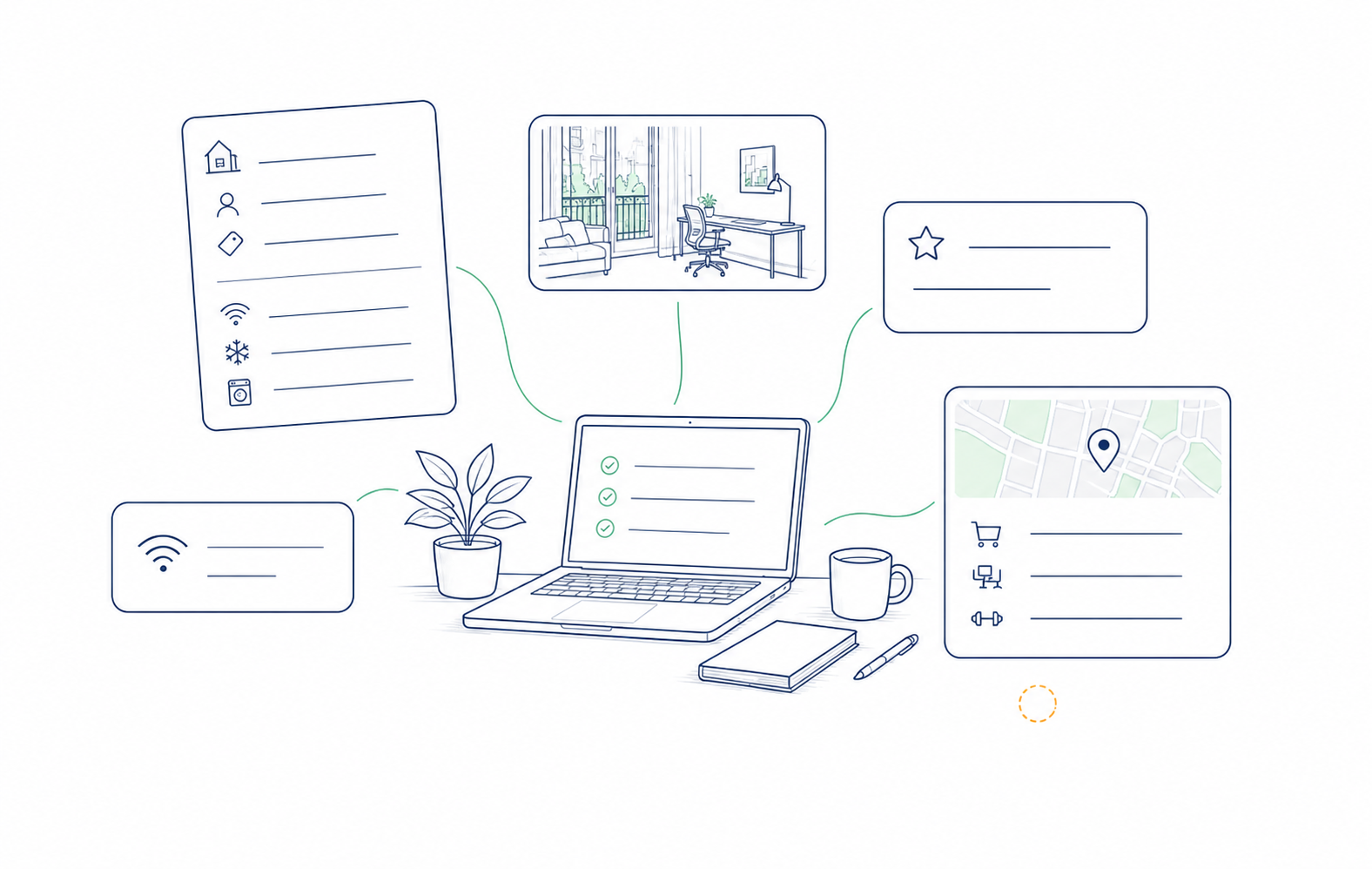
Casamo checks 2–8 week furnished stays on Airbnb and Booking.com. Start with a destination or compare 2–10 listing links that you already found.
Add a destination or your own listings, dates, guests, and the details that need to work.
Separate required criteria from preferences, then use each type for its own purpose.
Ask Casamo to search, or supply 2–10 Airbnb and Booking.com links you already found.
Read the listing details beside each qualified option and write down questions for the host.
The report places each source beside the option it informs. Use each source for the details it covers, then ask about related conditions.
The property description explains the stay and its rooms.
The listing names amenities such as Wi-Fi, air conditioning, or a washer.
Use the listing gallery to inspect visible details.
Use past guest wording to understand earlier conditions.
Next check: use a Wi-Fi amenity or an old review as context, then ask the host to confirm the current connection during your dates.
Required criteria determine whether a stay qualifies. Preferences help you compare the options that meet those criteria. Casamo flags details you need to confirm.
Destination searches return 5–10 distinct qualified choices. If fewer than five listings meet your requirements, your search credit is restored.
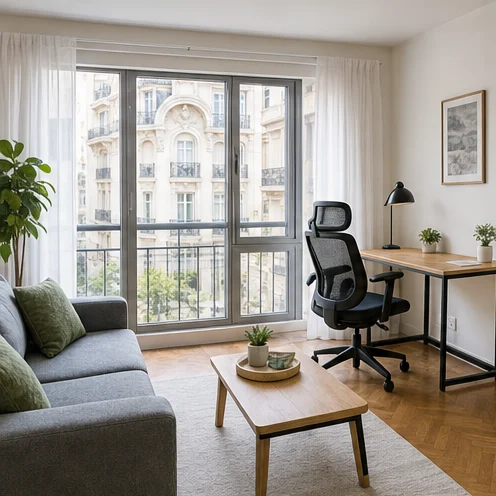
Use this report row to see why an option qualifies. Review each property and confirm its current details before you book.
Photo check: the listing gallery shows a table and chairs.
Host question: can you confirm the workspace and current Wi-Fi are suitable for a full workday?
Next step: confirm conditions during your dates and ask about any detail the sources leave unanswered.
Casamo helps you ask better questions. Verify details the listing leaves unanswered before you book.
Review the options, then book on the original Airbnb or Booking.com marketplace.
Ask the host or use a direct check for the property, current Wi-Fi, and today’s condition.
Your dates, requirements, preferences, and tolerance for open questions determine the right tradeoff.
Timing: most searches finish within 45 minutes. Complex searches can take around an hour. You can leave the page while it runs; we’ll email you when your shortlist is ready.
These guides cover the decisions people often make before comparing furnished listings.
Set your trip brief, compare the listing details, and keep the remaining questions in view.