
Airbnb
- Wi-Fi · Listed
- Kitchen · Shown
- Workspace · Shown
Casamo searches Airbnb and Booking.com for stays in your destination—or you can compare up to 10 listings you’ve already found.
Start a search View a sample tripDestination or your own links, plus dates and what matters.
Example
Photos, amenities and reviews.
Example
See what fits and what needs confirming.
We review listing details, amenities, photos, and recent guest feedback.
If the available evidence doesn’t support a required priority, the stay is left out.
If something can’t be confirmed, we say so.
See what fits your priorities, what the evidence supports, and what still needs confirming.
Buenos Aires · 3 of 10 qualified stays
Swipe to compare all three stays.
| Your priorities, compared.Multiple choices. Clear trade-offs. | 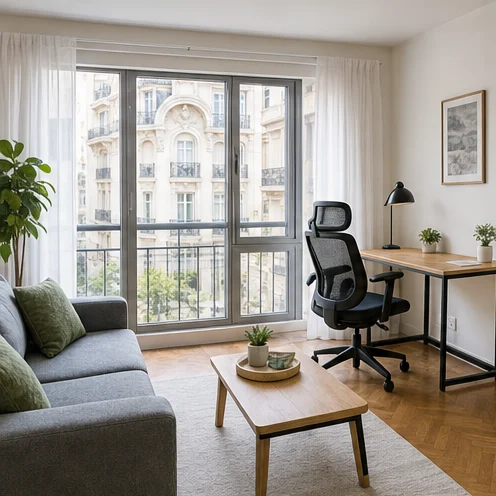 Recoleta furnished stayRecoleta, Buenos Aires $1,391.60for 21 nights | 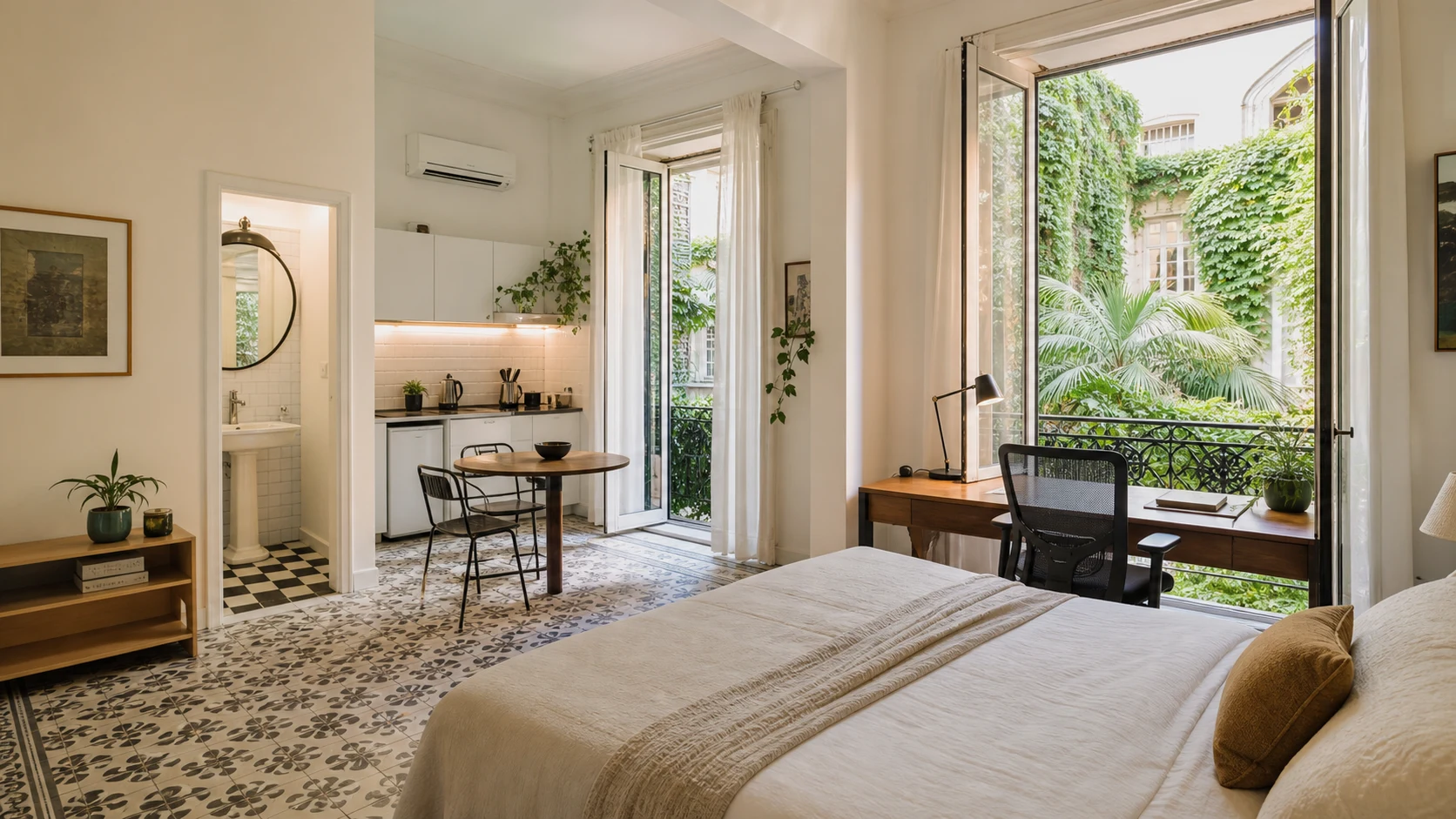 Buenos Aires furnished stayBuenos Aires $1,388.83for 21 nights | 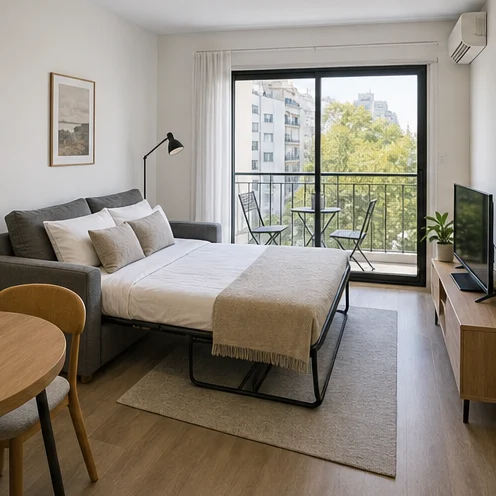 Colegiales furnished stayColegiales, Buenos Aires $1,549.80for 21 nights |
|---|---|---|---|
Wi-Fi | Listed Listed amenity | Confirmed Guest review | Listed Listed amenity |
Kitchen | Confirmed Guest review · Machine translated | Not found | Confirmed Guest review · Machine translated |
Workspace | Not found | Not found | Not found |
Air conditioning | Confirmed Guest review · Machine translated | Listed Listed amenity | Listed Listed amenity |
Review checkGuest reviews | No reported noise problems 11 recent reviews | No reported noise problems 7 recent reviews | No reported noise problems 19 recent reviews |
Nearby essentialsWalk times | Grocery1 min Coworking9 min Gym3 min | Grocery1 min Coworking11 min Gym5 min | Grocery1 min Coworking4 min Gym2 min |
Washer/dryer | Not found | Not found | Confirmed Guest review · Machine translated |
A finding is more useful when you can see what supports it.
Shown in photos
A desk and chair are visible in the photo.
Each destination search aims for 10 qualified stays. Five or more makes a successful shortlist. If fewer than five qualify, we’ll show you any matches and restore the search credit.
Included when you start
3 searches in 24 hours
For ongoing trip planning
Tell Casamo what matters. See which stays qualify and what still needs confirming.
Start a free searchNo credit card required.
View the sample trip