
Airbnb with no reviews: what to check before you book
Before you book an Airbnb with no reviews, check every room in the photos, read the host’s history, and get your must-haves confirmed in Airbnb messages. For a stay of two to eight weeks, use those answers to choose a place that fits your daily routine.
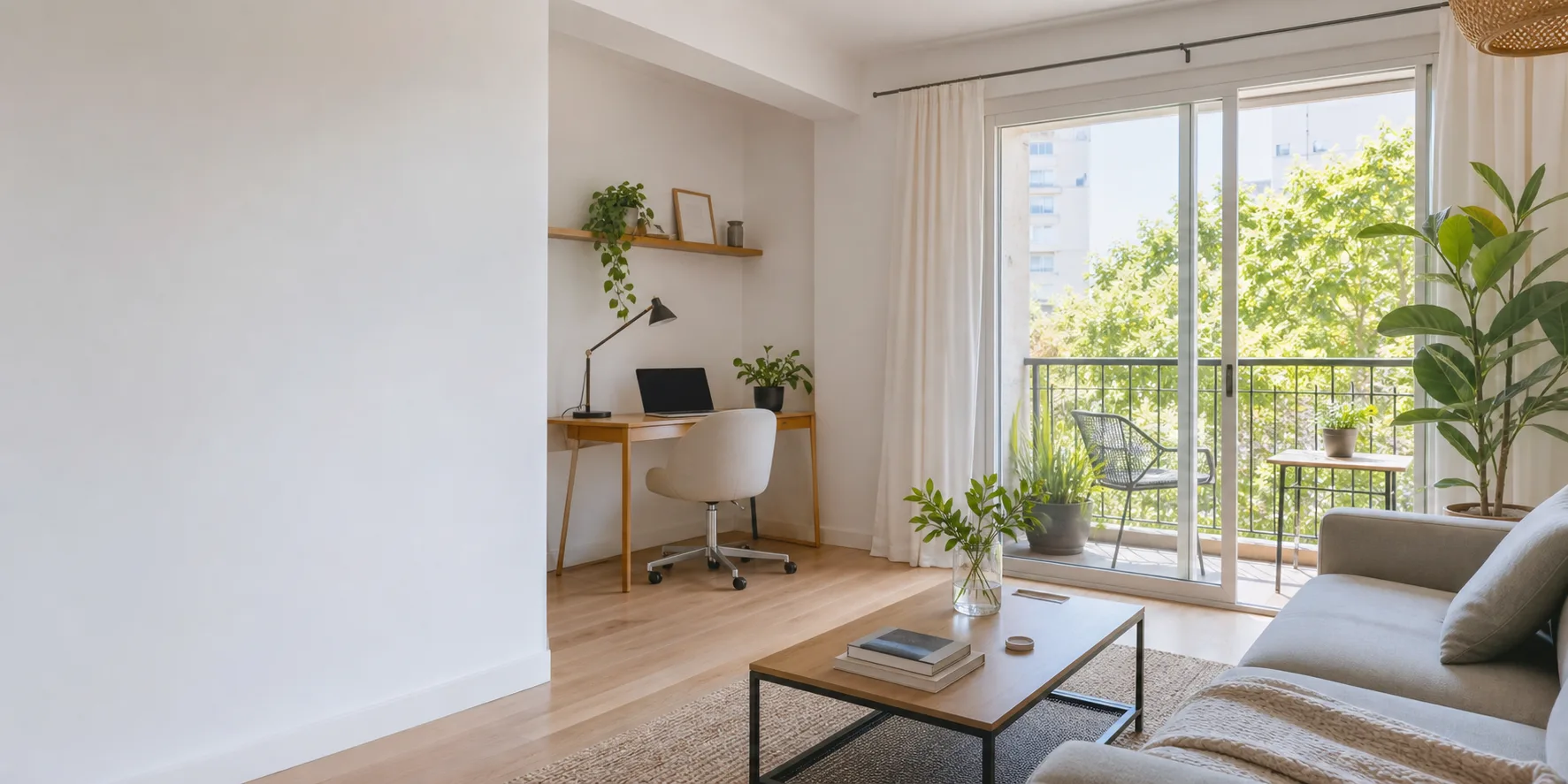
Read the review section and the host’s history.
Airbnb displays a listing’s overall star rating after at least three reviews. Open the review section even when that rating is absent: there may already be one or two written reviews.
A new listing can also belong to a host with years of history. Read the feedback about that host’s other properties, then check the details of the apartment you want to book.
Six checks before booking an Airbnb with no reviews
- 01
Look at the full photo set.
Find every bedroom, the bathroom, the kitchen, the living area, and the spot where you would work. If a room is missing, ask the host to add its photos to the listing, including the desk or kitchen setup you need to see. Airbnb enables photo attachments in messages after booking; before booking, ask for the listing to be updated.
- 02
Read the host profile.
The host profile is linked from the listing. Look at years hosting, guest reviews, and the average rating. Focus on feedback from guests who stayed at the host’s properties, especially comments about check-in, communication, and maintenance.
- 03
Match the photos, description, and amenities.
If the amenities list a washer and the description mentions a laundromat down the street, ask which applies. If the listing says “workspace” and the photos show a dining table, ask about the chair and outlets. Use the map area to find nearby transit, groceries, and places you would use each week. The neighborhood research guide gives you a fuller checklist.
- 04
Ask about the exact setup you need.
For Wi-Fi, ask the host to type the download and upload speeds from a recent test at the desk, with the test date. For the desk, ask about its size, chair, and outlets. For the kitchen, ask about the appliances and cookware you use. For laundry, ask where the washer and dryer are and what they cost.
Use the questions to ask an Airbnb host for your work setup and the furnished monthly rental checklist for everyday living.
- 05
Pin down check-in and maintenance.
Ask how you enter the building and apartment, who helps with arrival problems, and who handles repairs. Find out how to report a problem during your stay and how quickly the host or property manager responds. Save the answer in the Airbnb conversation. If essentials stay unanswered after a clear follow-up, choose another listing.
- 06
Read the terms and compare the total.
Keep pre-booking messages and reservation payment on Airbnb. Home reservations of 28 nights or more use a long-term cancellation policy. Read the exact deadlines, refund amounts, and total for your dates before paying. Compare the price and terms with a reviewed listing for the same dates.
Turn a vague reply into a useful answer.
Illustrative example: the listing says “laundry available,” and you need to wash clothes during a three-week stay.
The host replies: “Yes, laundry is nearby.”
Ask: “Is there a washing machine inside the apartment, a shared machine in the building, or a laundromat? If it is shared, what does a load cost and when can I use it?”
How to decide: If you need a washer in the apartment and the answer is a laundromat, cross this listing off. If shared laundry works for you, include the cost and opening hours in your choice. If the host still avoids the question, move on.
Should you book an Airbnb without reviews?
Keep the listing on your shortlist when the room photos are complete and the host answers your essential questions. Compare it with a reviewed option for the same dates. If the saving is small and important details remain unanswered, choose the reviewed option.
| What you found | What to do next |
|---|---|
The photos cover every room, the host confirms your essentials, and the price is lower than your reviewed alternative | Check the cancellation cost and who handles check-in or repairs. Decide whether the saving is worth being one of the first guests. |
Missing photos or details that contradict each other | Ask the host to add the missing photos to the listing or resolve the contradiction in writing before you book. |
Essentials still unanswered after a clear follow-up | Choose another listing. |
A request to pay the reservation by bank transfer or an outside link | Stop the payment and report the request to Airbnb. |
A message to send before booking
Use this for a longer stay where you need Wi-Fi and laundry. Remove any question already answered in the listing, then send it through Contact host.
Hi, I’m interested in a longer stay at your place. Before I book, could you help with a few details?
- Are the photos current, and do they show every room included in the booking? Could you add any missing room photos to the listing?
- Could you send the download and upload speeds in Mbps from a recent Wi-Fi test in the apartment, with the date?
- Is the washing machine inside the apartment or shared, and is there a charge to use it?
- How does check-in work, and who would I contact if I had an arrival problem or needed a repair during my stay?
Thanks!
Compare your shortlist against your requirements.
Set your requirements, then add 2–10 Airbnb or Booking.com links or search by destination. Casamo compares your shortlist against what you need and suggests questions to send each host.
Plan the details of your stay.
Check your work setup, daily essentials, and neighborhood before choosing.